
iPhone and Android
Your training, in your pocket
The OpenAthlete web app already works on your phone: today's session, the week ahead, your activities, messages with your coach. Put it on your home screen in three taps. The native iPhone and Android apps are in testing.
Any recent phone browser. Install it from Safari or Chrome.
In testing on TestFlight. No release date yet.
In testing on Google Play. No release date yet.
Want to know when they ship?
Every release is published on GitHub. Click Watch, then Custom › Releases, and GitHub tells you when a new version lands. No mailing list, no email to give us.
What you can do today
Built for the phone, not shrunk onto it
Under 768 pixels wide, OpenAthlete switches to a phone layout: tabs at the bottom, screens that stack, sheets that slide up.
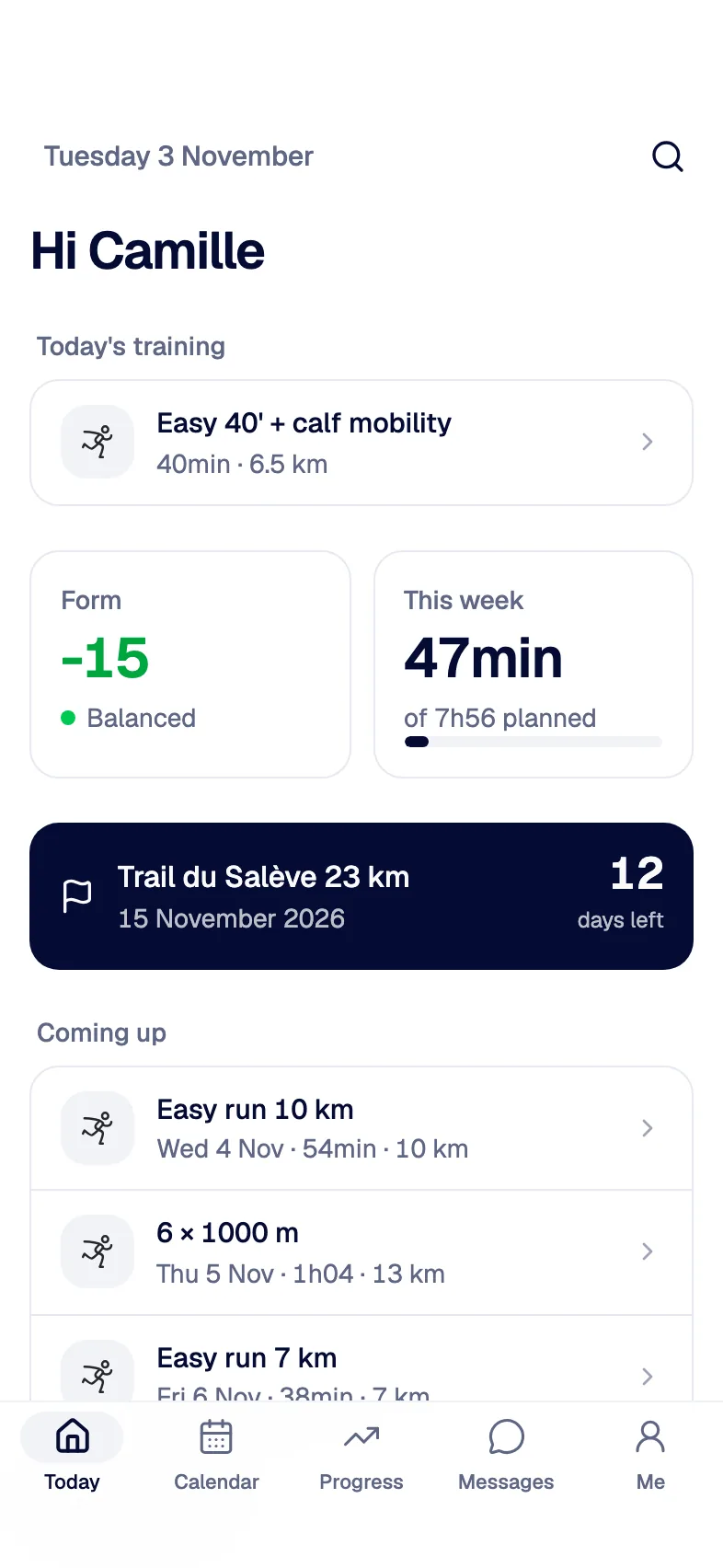
Today's session at a glance
The first tab: today's session or rest day, your form, this week done against planned, days left to your next race.
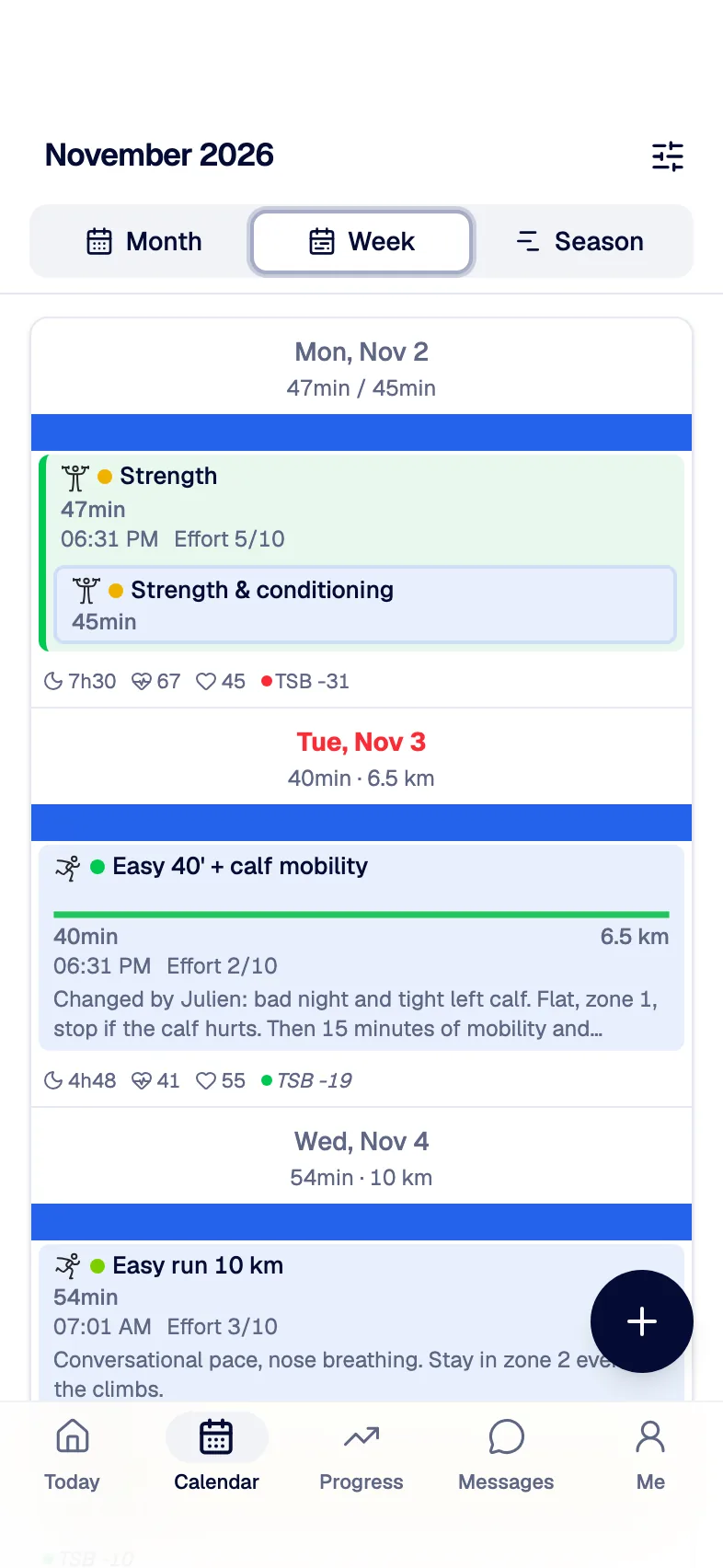
The week, day by day
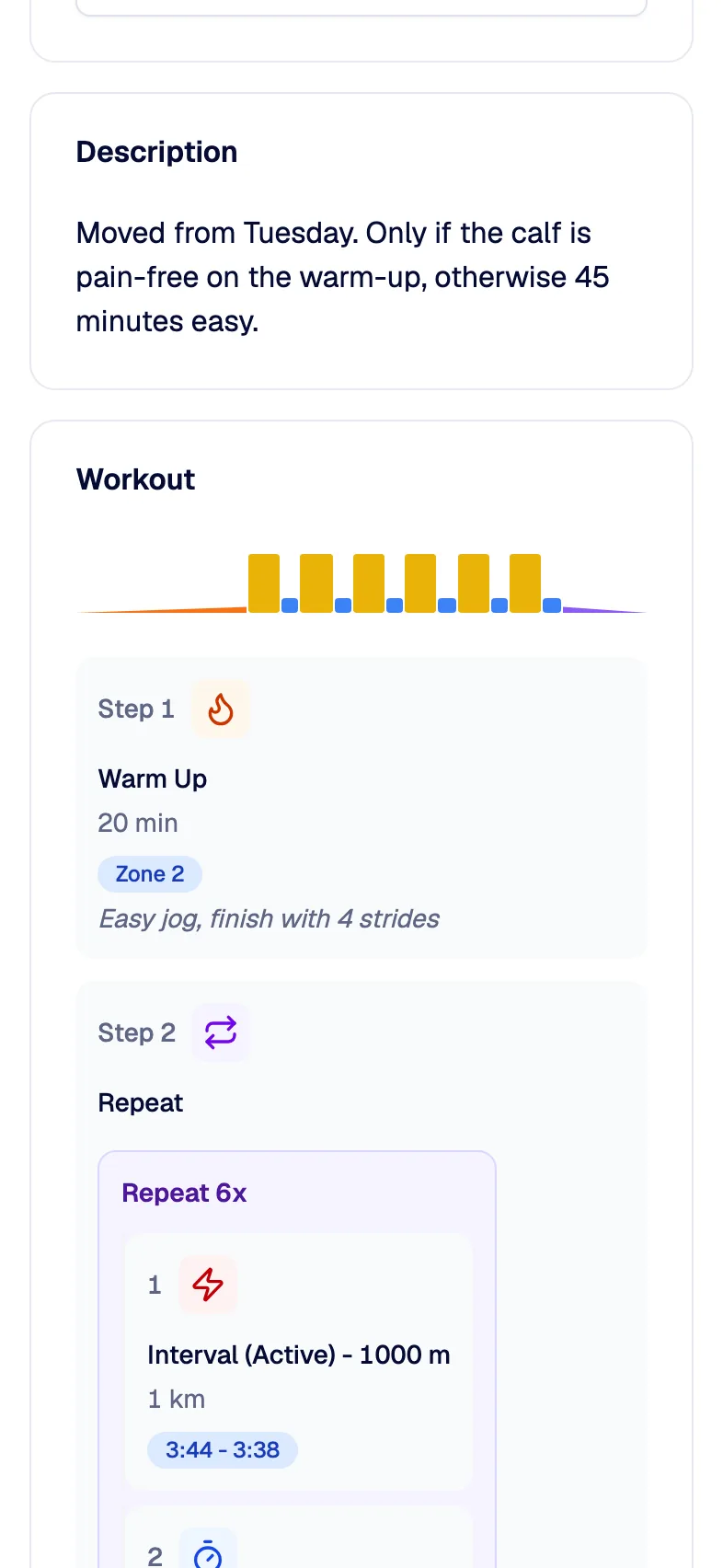
Days stack vertically with their sessions, totals and the zone profile of each workout.
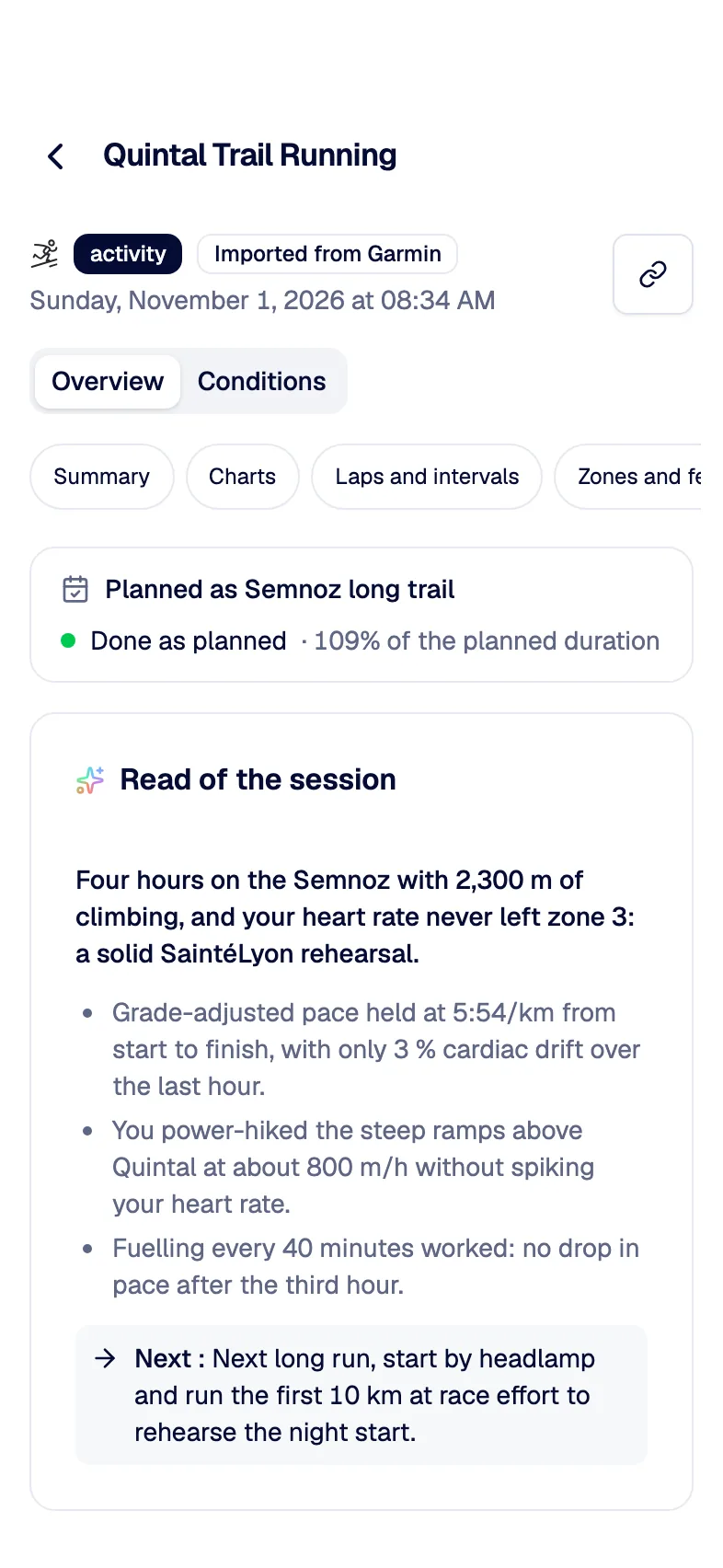
Log RPE and how you feel
Rate the effort, add a comment for your coach, answer the questions after each activity.
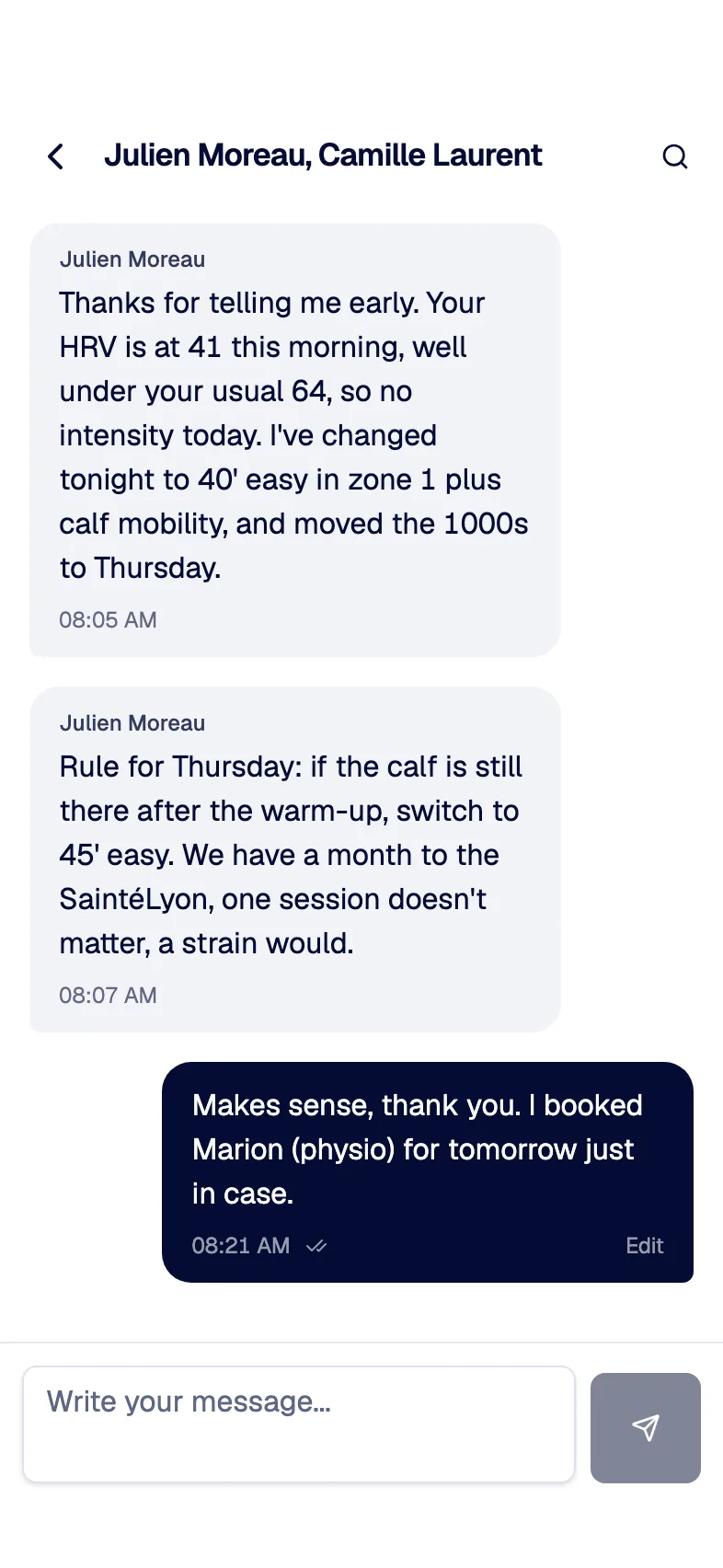
Messages from your coach
One-to-one and group conversations, in real time, with notices when a new activity comes in.
Install the web app
On your home screen in three taps
It opens full screen, without the browser bar, like any other app. The app also shows these steps the first time you open it on a phone.
iPhone, in Safari
- 1Open app.openathlete.org in Safari and sign in.
- 2Tap the Share button, the square with an arrow pointing up.
- 3Choose "Add to Home Screen", then "Add".
Android, in Chrome
- 1Open app.openathlete.org in Chrome and sign in.
- 2Tap the ⋮ menu at the top right.
- 3Choose "Install app" (or "Add to Home screen"), then confirm.
When the apps ship
What the native apps add
A notification when your activity is processed, with the questions ready to answer.
A reminder at 7 pm the day before a planned session, in your time zone. You can turn it off.
Sign in with Apple or Google, and voice answers recorded in the app.
A custom server address, for people who self-host OpenAthlete.
Keep your watch's own app
Garmin Connect, COROS, Suunto or Polar Flow still sync your watch. OpenAthlete picks the activities up from there and sends planned workouts back to Garmin, Suunto and COROS.
How watch sync worksOnline only
There is no offline mode yet. Without a connection, the app asks you to reconnect. Your watch keeps recording, of course.
Questions people ask
They are in testing on TestFlight and Google Play. We will not give a date we cannot promise. Watch the releases on GitHub to be told when they ship.
Yes. It is the same app as on a computer, with a phone layout: calendar, workouts, activities, statistics, coaching and messages.
No. Like the rest of OpenAthlete, they are free. Supporter stays optional and only adds AI on our keys and unlimited coached athletes.
Not today. Push notifications come with the native apps. Unread messages are still sent to you by email.
Yes. Install your instance's web app the same way, from its own address. The native apps will let you enter a custom server address.
Start on the web, keep it in your pocket
Create a free account, connect your watch, then add OpenAthlete to your home screen.
Free forever. No credit card.